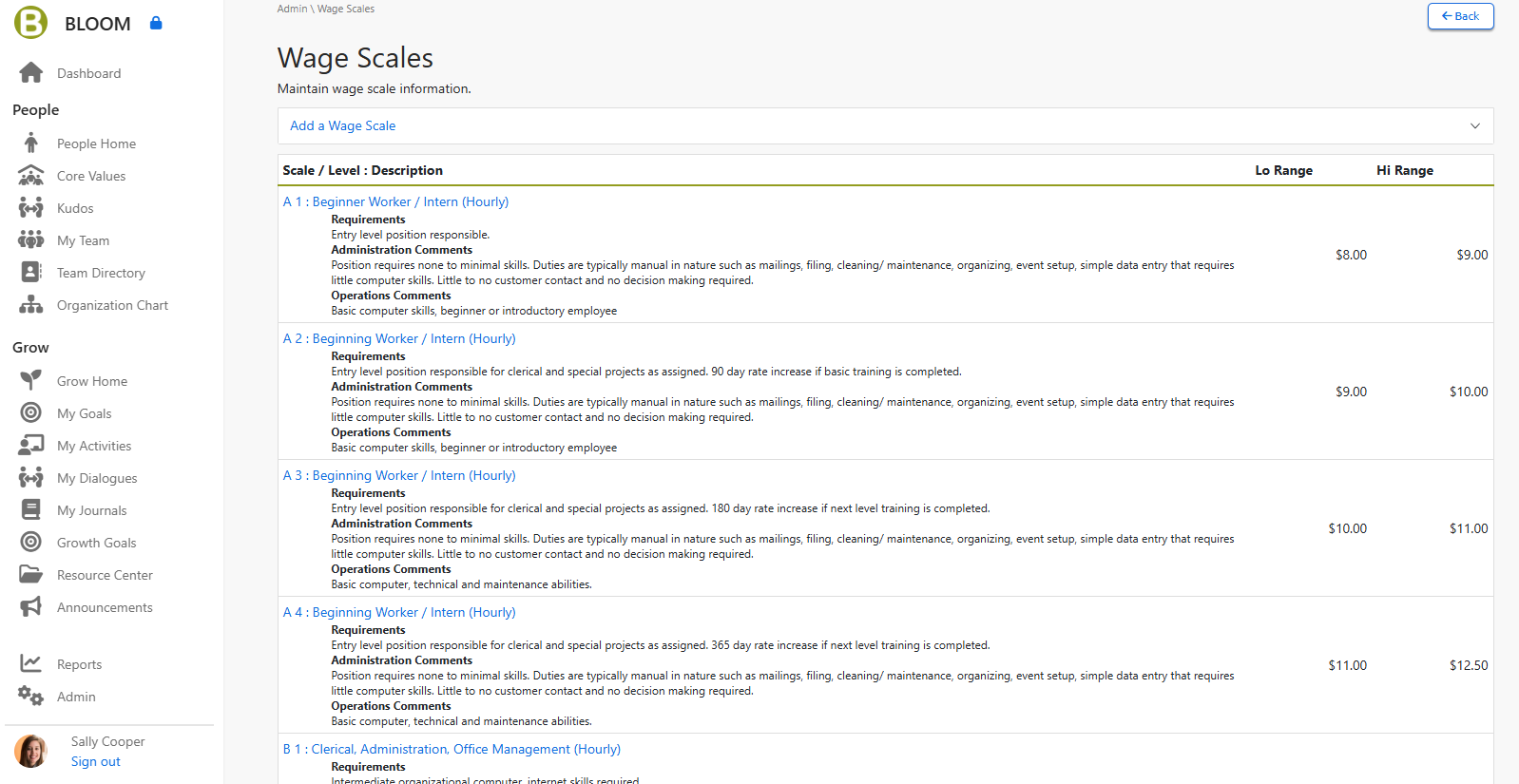
Follow these steps for creating your wage scales.
-
Export Team Member data to an Excel spreadsheet. Include Team Member names, rate of pay, role code, and date of hire. Sort the list by role code and determine the current high and low pay range for each position. Highlight major discrepancies between Team Member holding the same position that will need to be resolved.
-
Develop a matrix that groups all like roles within your organization into strata or buckets of common level responsibility and impact to the organization. Compare the pay for Team Member holding positions in equal level roles, and identify any discrepancies. Set a broader range for each category that you created so you can assure equality across roles in the organization.
-
Collect industry compensation information for each role in your organization.See your trade associations or the chamber of commerce or search the free database on the Bureau of Labor website to determine the equivalent market rate for each position in your geographic area. Determine the market range for each position.
-
For each position in your spreadsheet, compare the market range and actual compensation currently paid for each position. Consider the actual criteria of the role compared to others of equal responsibility in the organization and finalize the wage range for each position that you want to set.
-
Create the overall wage scale range that covers all positions of equal responsibility for each wage strata, which you will assign to a particular wage scale compared to others above and below the strata.
- Finalize your wage scales and enter them into BLOOM (ADMIN/WAGE SCALES). Be sure to create separate wage scales for exempt and non‐exempt roles. Then assign wage scales to role codes, approve the updated role codes, and then enter and assign Team Members to the role code. Then you are set!